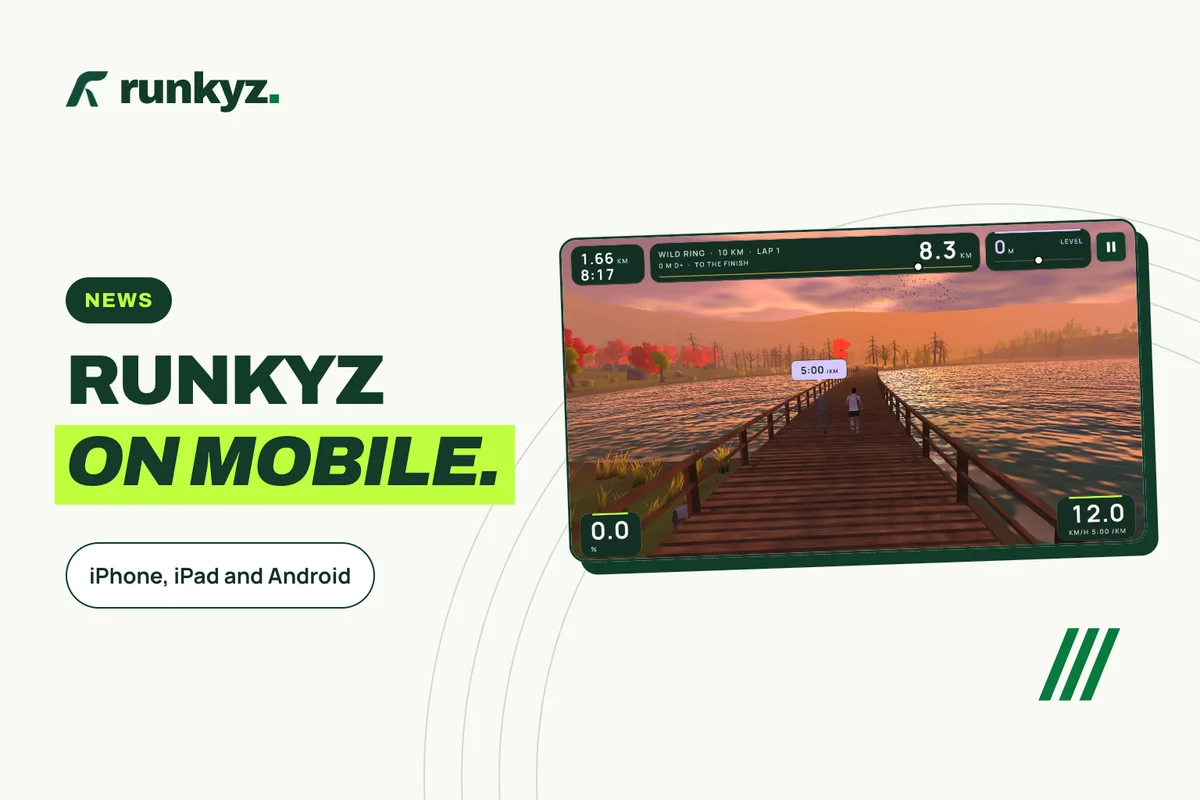
Where to get Runkyz
The game is the same everywhere: three worlds, the virtual pacer, the Training tab and its plans. What changes from one device to another is how you unlock everything, and two features that aren’t on every device.
| Device | Where to get it | Minimum version | To unlock everything |
|---|---|---|---|
| iPhone and iPad | App Store | iOS and iPadOS 15.0 | The “Full game” in-app purchase, $8.99 in the US |
| Android phone and tablet | Google Play | Android 8.0 | The Runkyz license, bought in the app with Google Play, $9.49 in the US |
| Computer | runkyz.com | 64-bit Windows and Linux, macOS on Intel or Apple silicon | The Runkyz license, €9.99 |
Sources: App Store — Runkyz: Treadmill Running ↗ · Google Play — Runkyz ↗
On iPhone and iPad
Desert and Wild Ring come with 3 free runs up to 10 km, and the Training tab gives you your first session. The “Full game” purchase, $8.99 in the US, unlocks the other sessions and the training plans, Space and every distance over 10 km, for good. The App Store handles the payment, and “Restore purchases” brings it back after a reinstall. If you installed version 1.0, everything stays unlocked: the version 1.1 release notes say so.
The game runs in landscape. On iPhone and iPad it doesn’t import GPX files or connect to the treadmill over Bluetooth: you set the speed and incline on the console.
Further reading: App Store — Runkyz: Treadmill Running ↗
On Android
Desert and Wild Ring come with 3 free runs up to 10 km, and the Training tab gives you your first session. The Runkyz license unlocks the other sessions and the training plans, Space, every distance over 10 km and importing your GPX tracks, once and for all. Its window opens from the settings or from a locked session, and “Get the license” starts the payment with Google Play. The purchase stays with your Google account: the game finds it again after a reinstall or on another Android device. It covers your Android devices; a key bought on the website works on computers and on Android, with “Paste my license key”.
If your treadmill has Bluetooth FTMS, Runkyz can follow its real speed and incline; it never controls it. Turn on your phone’s location: Decathlon notes that Android requires it for Bluetooth Low Energy.
Further reading: Decathlon — Zwift and connected treadmills (in French) ↗
Setting up your phone in front of the treadmill
A phone fits the console’s tablet holder; a tablet gives you a bigger screen without a computer. Either way, the game shows the belt settings, and you press the buttons yourself.
A steady holder, in front of you
Put the device on the tablet holder or a fixed stand, at eye level. Johnson Health Tech, a treadmill maker, says to keep your head and body facing forward.
Enter your treadmill
In the settings, on the Your treadmill card, enter the maximum speed and incline: targets stay within those limits.
Start a free run
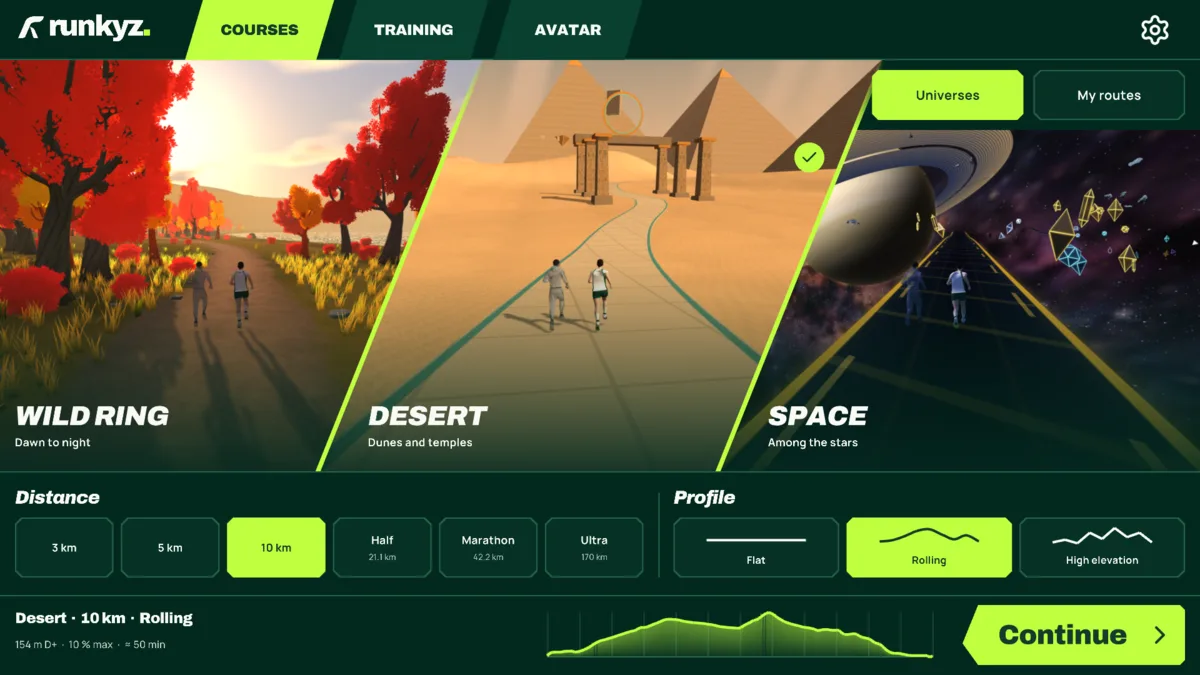
Wild Ring over 5 km, for example: a flat 2 km loop around a lake, one of your 3 free runs on Desert and Wild Ring.
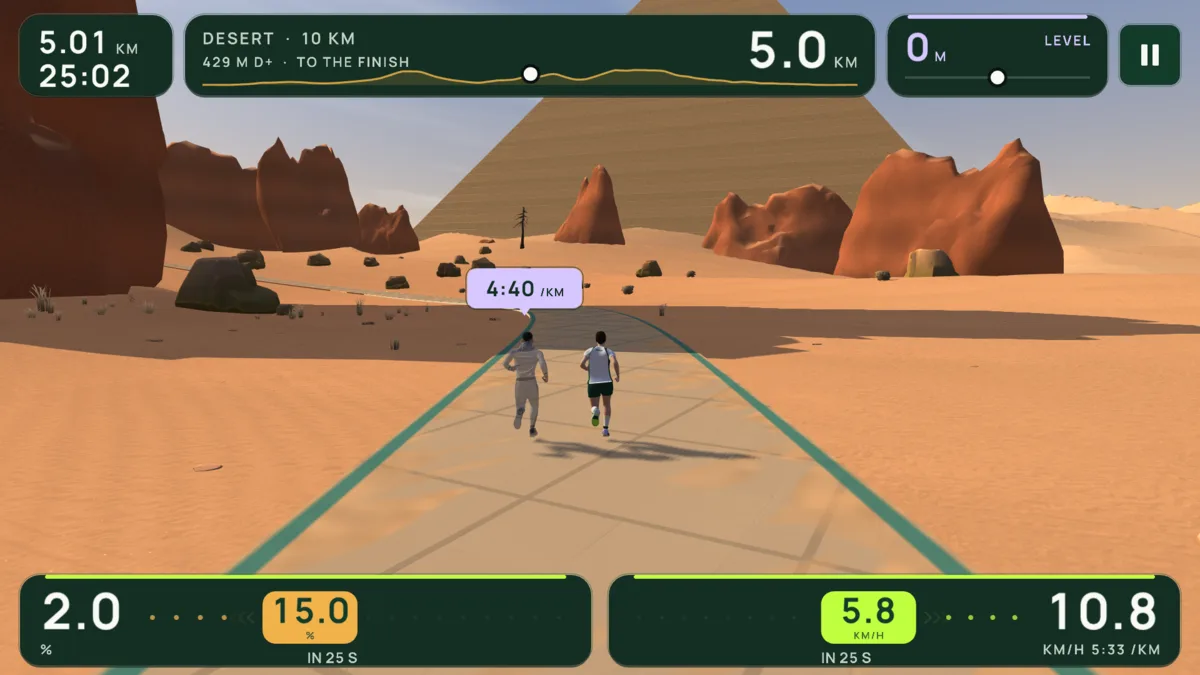
Follow the banner
It announces every change of speed and incline ahead of time. Clip on the safety key before you start the belt.
Further reading: Johnson Health Tech — treadmill guide ↗
IN RUNKYZ
Runkyz is free on the App Store and Google Play.
Install it on your phone or tablet and start a run on Wild Ring or Desert.